
New Feature: Look Inside Export for distributor-ready sample pages
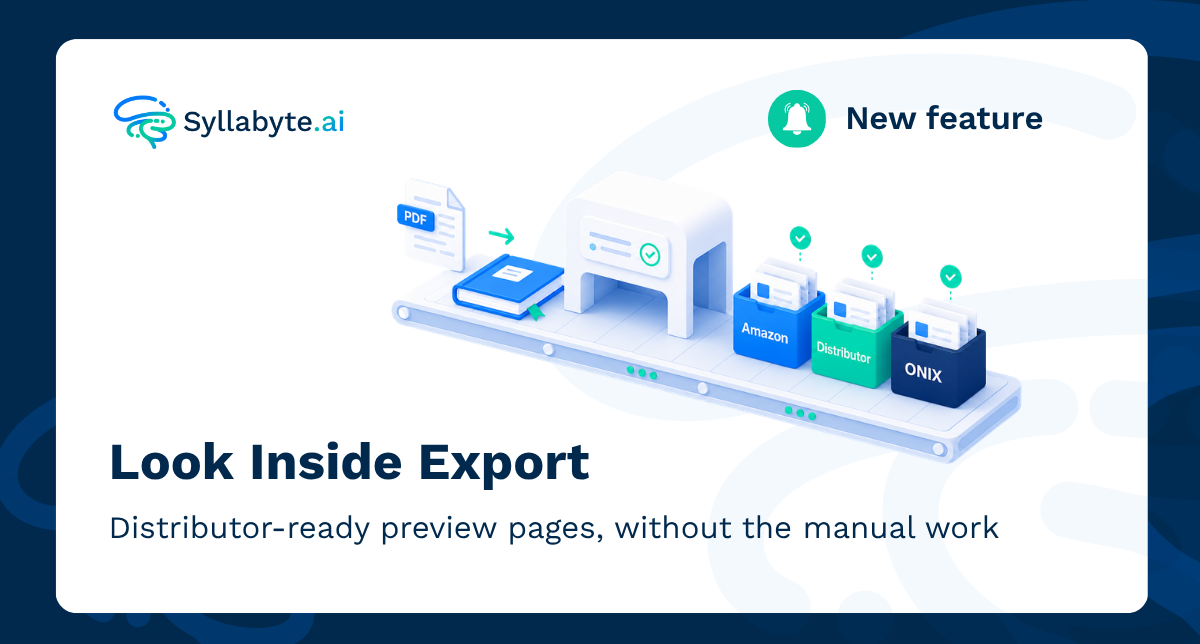
New: Look Inside Export for distributor-ready sample pages
If your team has ever prepared "look inside" sample pages for a book launch, you know the routine. Open the file, pick a handful of representative pages, export them at the right resolution, rename each one to match a distributor's exact naming convention, then do it all again for the next platform and the next title. Multiply that by a catalogue of hundreds of books, and it stops being a quick task and starts being a recurring drain on your team's time. Look Inside Export, now live on Syllabyte, removes that manual work entirely.
What it does
Upload a book to Syllabyte and the platform automatically identifies the key sections of the file, including the cover, which pages belong to the front matter (things like the copyright page or table of contents), which interior pages best represent the book's content, and which pages are back matter, such as an index or glossary. It then selects a sensible sample automatically, the kind of pages a person would choose if they had time to review every file.
Your team can preview the chosen pages before exporting, make changes where needed, and then generate publication-quality image files ready for distributor submission.
One export, multiple formats
Every distributor and retailer tends to have its own filing rules. Amazon wants files named one way, a regional distributor wants them named another way, and an internal catalogue system might want something else again. Previously, meeting all of those requirements meant running the export process separately for each one.
Set the naming conventions once, run the export, and Syllabyte produces the required formats without your team needing to remember each platform's rules.
Shareable, permanent preview links
Each exported page also gets its own permanent web address. That means a book's sample pages can be embedded directly into a product page, a catalogue feed (including ONIX feeds used by many distributors), or a retailer integration, and the link will keep working without anyone needing to regenerate it later.
What this unlocks
For teams managing a publishing catalogue, Look Inside opens up a few practical wins:
- Create compliant sample image packs for multiple distributors
- Generate several naming formats from a single export
- Preview and adjust page selections before final export
- Embed stable preview image links into product pages and catalogue feeds
- Set programme-level naming conventions, with title-level overrides when needed
Try it now
Look Inside Export is now live for all Syllabyte projects. Upload a file, preview the selection, and see how much time it saves on your next title.
Head to our Product Roadmap to see what else we have cooking.
Explore More News & Updates
Discover more articles about AI in educational publishing, customer success stories, and industry trends.